On-device vaults and deniable storage for privacy-focused users
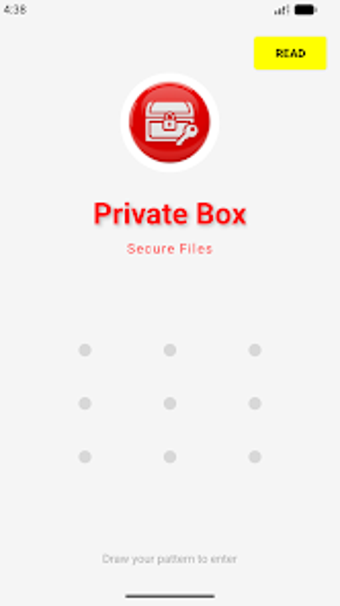
Private Box - Secure Files, by P261, is an Android privacy app that creates local, encrypted vaults to protect sensitive photos, videos, and documents. The app organizes files into separate, pattern-accessed storage areas and keeps all data on-device without server uploads. It includes emergency deletion and temporary-expiry options alongside gallery hiding to serve privacy-conscious individuals and professionals who need an offline, deniable storage method and common document formats.
What the app does and why it keeps data local
The app is designed to keep sensitive files entirely on-device using hardware-backed encryption. It performs encryption through the device key management system so cryptographic keys stay isolated from the app process. That local-first design removes cloud transfers from the workflow, making the tool appropriate when learners or professionals need to study or practice secure custody and offline document handling without remote backups.
How pattern-based vaulting supports plausible deniability
The app implements Dynamic Vaults, where each distinct unlock pattern maps to a separate, isolated storage area. Entering one pattern opens a different vault than entering another, so users can reveal a benign partition while keeping a concealed store accessible by a different pattern. In instruction scenarios this lets teachers demonstrate operational deniability by switching among independent containers during an exercise.
Who benefits and what file types the app accepts
The app targets privacy-conscious individuals and professionals handling sensitive records, supporting hands-on practice with on-device workflows. It follows a zero-knowledge model, keeping files local without server upload. Supported formats include common media and documents, for example:
- photos and videos
- PDFs
- DOCX
How emergency deletion and temporary storage behave in practice
The app provides an explicit panic path via a Killer Pattern that permanently wipes the targeted vault when invoked. For short-lived items, Auto-Delete timers shred a vault and its contents when the countdown elapses. Stealth Mode hides stored items from system galleries and file managers, allowing instructors to demonstrate both controlled deletion workflows and covert storage handling in realistic exercises.
Suitable, hands-on option for practicing on-device privacy workflows
The app is a suitable option for privacy learners and professionals who want hands-on practice with offline data-protection workflows. One consideration: its listing under Books and Reference may obscure discoverability in typical security-tool searches. Tip: create a rehearsal vault for training sessions so learners can explore denial and deletion behaviours without using real sensitive material.